Facebook Video Download Not Working? (The Ultimate Fix)
If your Facebook video download is failing, stalling, or returning an error, you're not alone. This master guide covers every device (Android, iOS, PC, Mac) and browser to get your downloads working instantly.
Try the Solution Immediately
Paste your Facebook link below to download using our optimized fixed engine.
Step-by-Step Fix
Follow these instructions carefully to resolve the error.
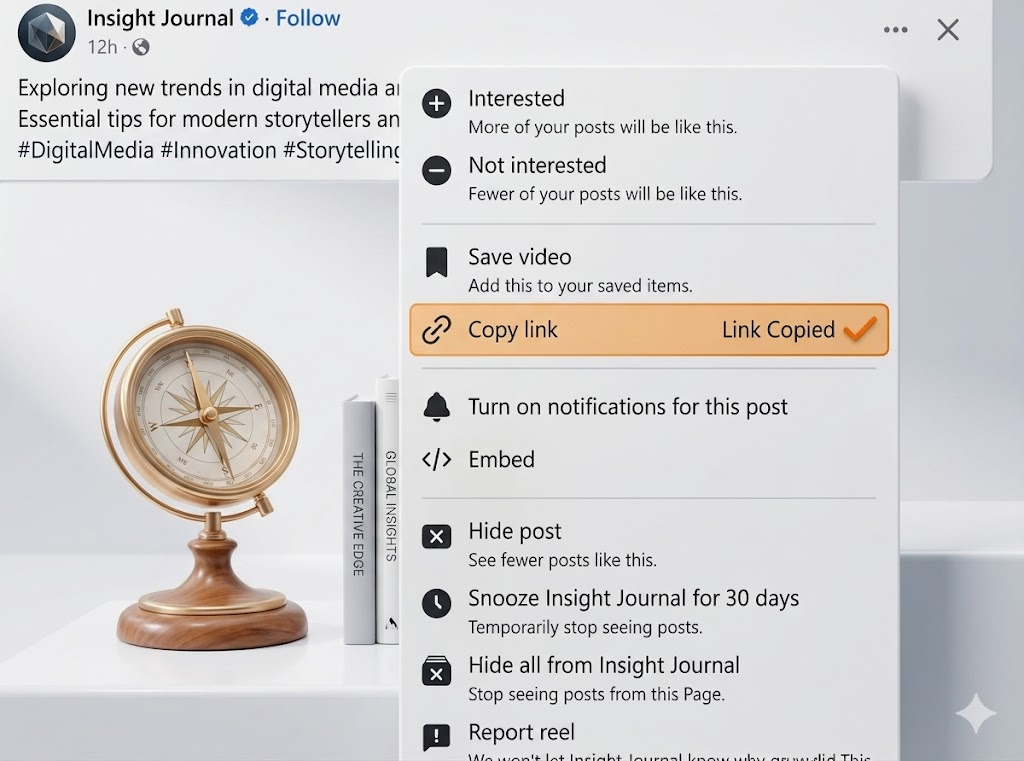
Check the URL Format
Ensure you've copied the direct video link (e.g., watch?v=...) rather than a profile or group URL.
Bypass Browser Cache
Clear your browser cache or try an incognito window. Often, old cookies block new download requests.
Disable VPN or Proxy
Facebook actively blocks known VPN IP addresses. Disabling your VPN temporarily often solves the issue.
Check Privacy Settings
If the video is in a private group, standard downloaders won't work. Use our Private Video Downloader tool instead.
Use Force Download
If the video plays but won't save, tap and hold (or right-click) the generated video and select 'Save Video As'.
Pro Tip for All Devices
If the error persists after these steps, clearing your browser cache for fbdownlo.com often resolves the last remaining blockages.