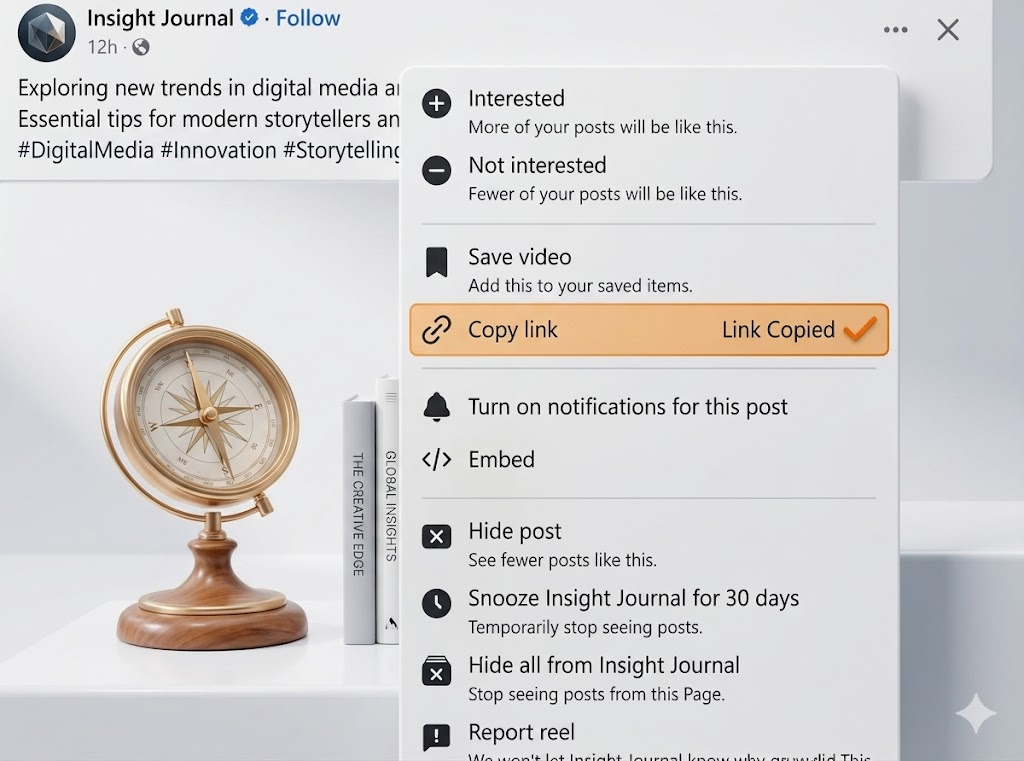
How to Fix Private Facebook Video Download Errors
Standard downloaders cannot access private videos because Facebook requires authentication. If you get an error that the video cannot be found, it's almost certainly a privacy restriction.
Try the Solution Immediately
Paste your Facebook link below to download using our optimized fixed engine.
Step-by-Step Fix
Follow these instructions carefully to resolve the error.
Log into Facebook
Ensure you are actively logged into Facebook in the same browser where you are trying to get the video source.
Use the Private Downloader Tool
Navigate to our dedicated Private Video Downloader. It provides a unique script to bypass the restriction.
View Page Source
On the Facebook video page, press Ctrl+U (Windows) or Cmd+Option+U (Mac) to view the page source.
Copy All Source Code
Press Ctrl+A to select everything, then Ctrl+C to copy. This code contains the encrypted video fragments.
Paste & Extract
Paste the massive block of code into our Private Downloader input box. We will parse the authentication tokens and extract the MP4.
Pro Tip for Desktop Browsers (Required)
If the error persists after these steps, clearing your browser cache for fbdownlo.com often resolves the last remaining blockages.