Snappea gained massive popularity as a versatile video downloading application, particularly among Android users. Known originally as an app-based solution, Snappea allowed users to download content from a variety of social platforms, including YouTube, Instagram, and TikTok, all from within a unified Android interface.
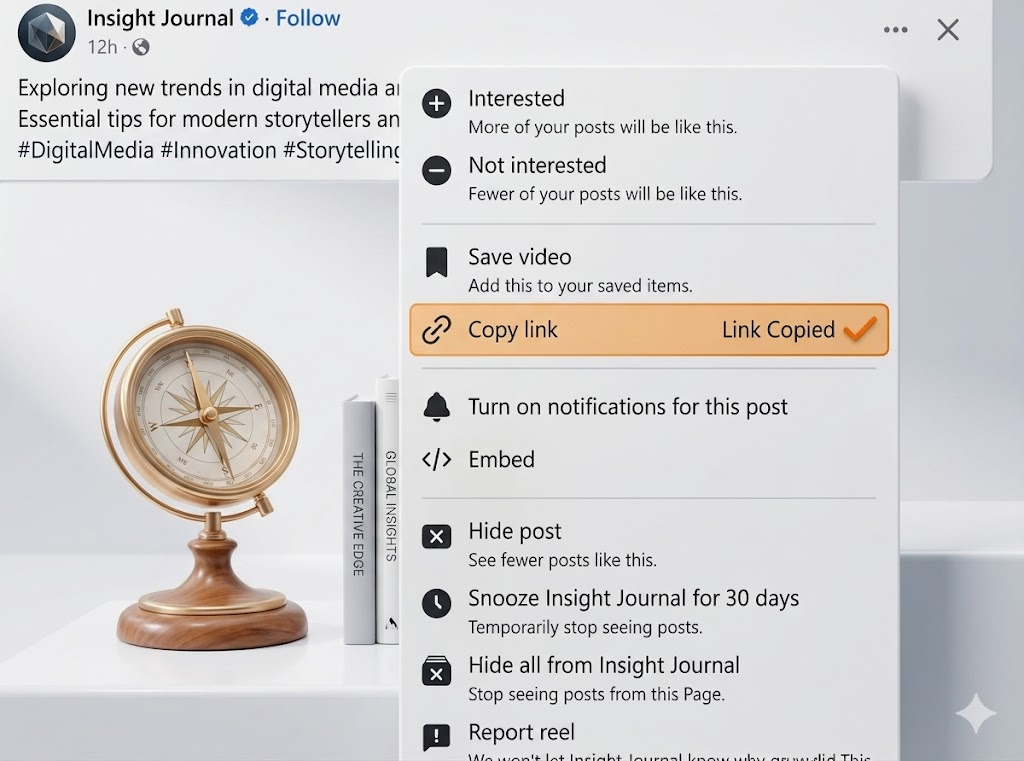
Because of its robust mobile features, many users look for a Snappea Facebook Video Downloader to save Reels and Stories directly to their phone's gallery. However, the shift in how modern operating systems handle third-party app installations has made using Snappea much more complicated than it used to be.
The biggest drawback to using Snappea for Facebook videos is its heavy reliance on Android APK installations and its lack of seamless cross-platform support.
- Not in the App Store: Because video downloaders violate Google Play and Apple App Store terms of service, you cannot simply download Snappea from official stores. You must 'sideload' an unverified APK file, which requires disabling your phone's security settings.
- Security Risks: Sideloading APKs is incredibly dangerous. If you download a fake or compromised Snappea APK from a third-party website, you risk giving hackers full access to your phone's data, passwords, and banking apps.
- No iOS Support: If you own an iPhone or iPad, Snappea's core app-based functionality is completely useless to you.
- Bloatware: Installed downloading apps often run in the background, draining your battery and serving intrusive push notifications even when you aren't using them.
You do not need to compromise your phone's security to download Facebook videos. FB Downlo is the perfect Snappea alternative because it provides all the power of a native app with zero installation required.
FB Downlo is a Progressive Web App (PWA). This means you can simply navigate to our website on your mobile browser (Safari or Chrome), paste your Facebook link, and download the video directly to your camera roll in seconds. It works flawlessly on both iOS and Android. If you want app-like access, you can simply tap 'Add to Home Screen' to create a safe, instant shortcut on your phone—no dangerous APKs, no battery-draining background processes, and absolutely no malware.